
Automated Order Fulfillment, Explained
Automated order fulfillment means orders and tracking move between your store and the warehouse without anyone re-keying them. This page covers what that automation actually handles, what still needs a person, and how it differs from warehouse robots. RitePrep runs it from one warehouse in Austin, Texas.
What Is Automated Order Fulfillment?
Automated order fulfillment is a setup where orders pass from a store or marketplace to the warehouse, and tracking passes back, through software connections instead of manual data entry. Orders import, inventory adjusts, labels generate and customers get tracking without anyone re-keying information. In most warehouses, people still pick, pack and handle exceptions.
It removes the manual middle: no exporting CSVs, no copying addresses, no updating customers by hand. The software moves the data, and the warehouse team does the physical work with the right information already in front of them.
The phrase gets used for two different things, which is why search results for it look so mixed. One is order processing automation, the data side described above. The other is warehouse automation: conveyors, autonomous mobile robots, and automated storage and retrieval systems that move goods physically. The first is available to almost any brand with an online store. The second is a large capital project that tends to make sense only at very high, steady volume.
Order Processing Automation vs Warehouse Automation
Order processing automation connects systems. The store, the warehouse system and the carriers exchange orders, stock counts, labels and tracking numbers on their own, so nobody retypes an order and nobody emails a tracking number. It changes how fast and how accurately information moves, not how a box gets packed.
Warehouse automation changes the physical work. Robots bring shelves to a picker, conveyors carry totes between stations, and machines can size or seal cartons. It raises how many orders a building can handle per hour, but it needs clean order data flowing in first, so a warehouse with robots still depends on the software layer.
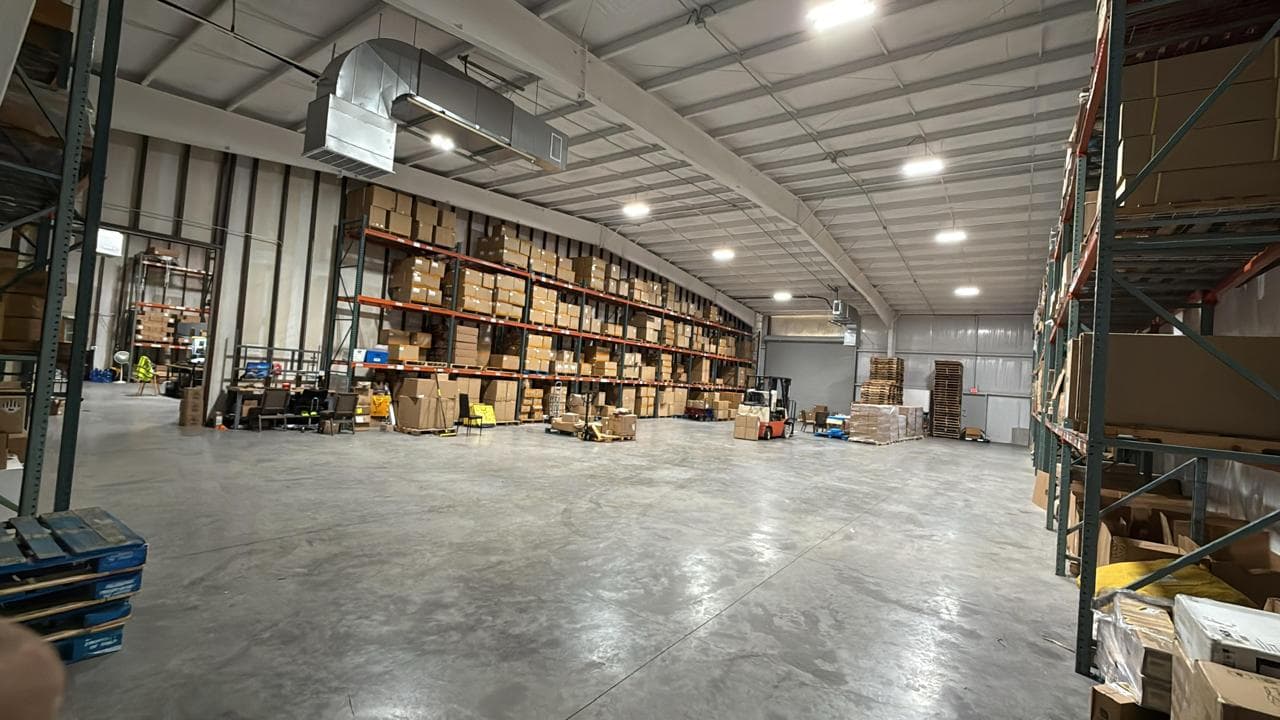
RitePrep's automation is the first kind. Orders, inventory and tracking sync automatically between your store and our Austin, Texas warehouse. Picking and packing are done by our team, who work from the synced order data rather than from printouts someone typed up.
How to Automate Order Fulfillment
Start by connecting the sales channel to the system that will ship the orders, whether that is your own shipping setup or a 3PL. Then make sure every SKU in the store matches a SKU in the warehouse exactly. Most broken automation traces back to a mismatched SKU, a bundle that was never mapped to its components, or a product with no weight.
Next, set the rules the software will follow: which shipping service each checkout option maps to, when to hold an order, and how much stock to keep back so one channel cannot sell the last unit twice. Decide in advance who gets told when an order fails a rule, because an exception nobody sees is worse than a manual process.
Finally, run test orders through every channel and every shipping option before switching over, and check that tracking lands back in the store and in the customer email. If you use a 3PL, most of this setup is their job, but the SKU and product data still come from you.
What Is Automated and What Still Needs a Person
Order automation covers most of the data work in the order lifecycle. It does not remove people from it. This is what automation typically handles at each stage, and where a person still has to make the call.
| Order stage | What automation handles | What still needs a person | Why it matters |
|---|---|---|---|
| Order import | New orders flow from the store to the warehouse system as they are placed. | Orders edited after checkout, put on hold, or flagged for fraud review. | Re-keying orders is where wrong items and wrong addresses start. |
| Inventory allocation | Stock is reserved for each order and available counts sync back to the store. | Recounts, damaged units, and receiving that does not match the paperwork. | Overselling happens when a channel shows stock the shelf does not have. |
| Carrier and service | Rules choose a carrier and service from weight, destination and checkout option. | Writing the rules, and handling orders that fit none of them. | A rule is only as good as the weights and dimensions it reads. |
| Picking and packing | Pick lists and packing slips generate from the order data. | Pulling items, checking them and choosing the box, unless the site uses robotics. | This is the step people picture as automated, and in most warehouses it is not. |
| Label generation | The label is bought and printed from the order and package data. | Oversized, hazardous or international parcels that need extra paperwork. | A wrong weight or box size on the label becomes a carrier adjustment later. |
| Tracking sync | Tracking numbers post back to the store, which sends the shipping notice. | Stuck or lost packages the customer contacts you about. | Customers ask where their order is less often when tracking arrives on its own. |
| Exceptions | Software can flag an address that fails validation or an item out of stock. | Deciding to hold, split, substitute, or contact the customer. | Exceptions are where a hands-off setup earns or loses customer trust. |
| Returns | Return labels and status updates can be created from the original order. | Inspecting the item and deciding to restock it or set it aside. | Condition calls need someone looking at the product. |
The middle column describes what order automation can do in general, not a promise of any one setup. Ask any provider which of these their system actually does, and who handles the rest.
The Cost of Manual Order Handling
Doing fulfillment by hand feels fine at first, then quietly becomes the bottleneck.
Data-entry errors: manually copying orders leads to wrong items and wrong addresses.
Slow dispatch: orders wait while someone processes them one by one.
Stale inventory and tracking: counts and customer updates lag behind reality.
What's Included in Automated Fulfillment
We connect the pieces so orders move on their own from checkout to carrier.
Store Integration
Your Shopify or other channels connect directly to our system.
Automatic Order Routing
New orders route straight to our warehouse floor, no manual entry.
Real-Time Inventory Sync
Stock levels update automatically so your store stays accurate.
Pick, Pack, and Ship
Orders are fulfilled to spec and handed to the right carrier.
Tracking Sync
Tracking numbers flow back to your store and customers automatically.
Automation sits on top of the physical work. The orders it routes are picked and packed by our team, stock counts come from our inventory management, and the software layer is covered in more depth in our guides to the order management system and warehouse management system. Selling on Shopify? See Shopify fulfillment.
How Automated Fulfillment Works
Calculate Price
Request a quote for your order volume.
Connect Your Store
We link your sales channels to our system.
Send Your Inventory
Ship your products to our Austin, TX warehouse.
We Store and Slot
Inventory is received, counted, and stored for fast picking.
Orders Auto-Route
Every new order flows to our floor without manual work.
We Ship and Sync
Orders ship and tracking updates your store automatically.
Who Automated Fulfillment Is Built For
It fits brands losing hours to manual order processing.
What We Automate and What We Do by Hand
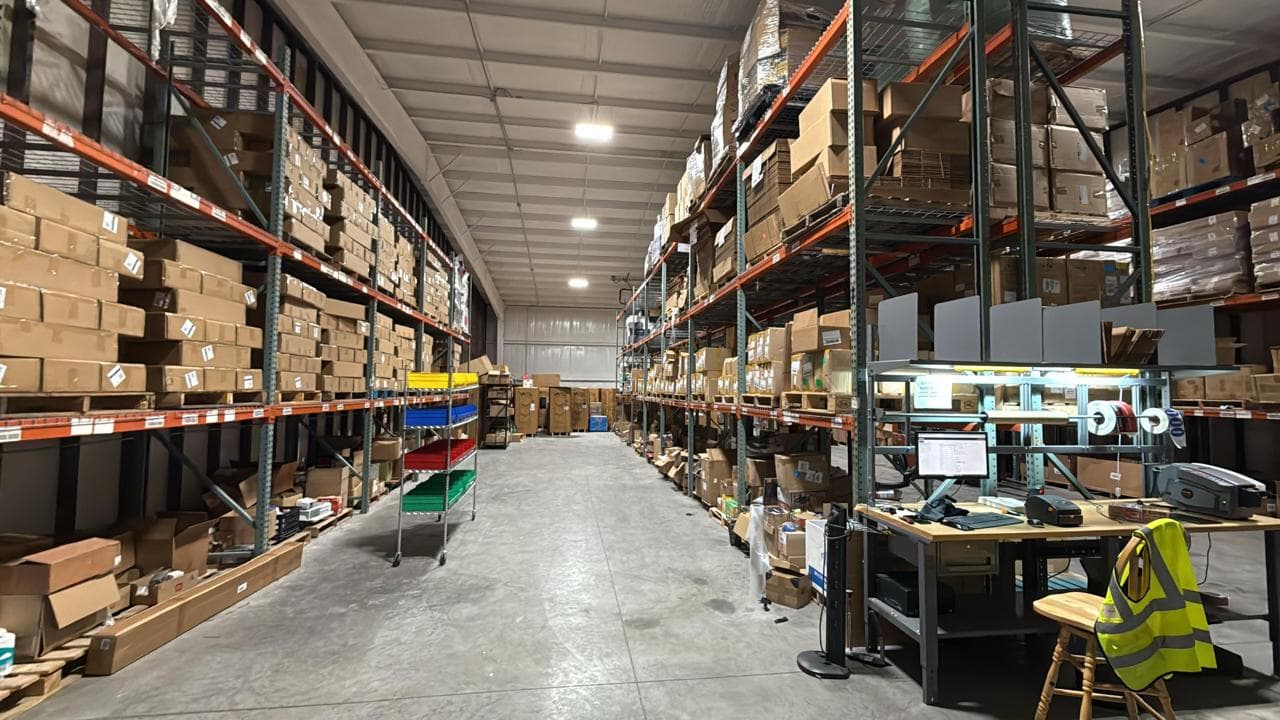
Automation is only credible if the manual parts are named too. This is how the work splits in our Austin, Texas warehouse:
If a fully robotic warehouse is what you are after, that is a different kind of operation from ours. If you want orders to stop passing through your inbox, this is what we do.
Questions, answered
Automated order fulfillment is a setup where orders move from your store to the warehouse, and tracking moves back, through software connections rather than manual data entry. Orders import, inventory adjusts, labels print and customers get tracking automatically. In most warehouses, people still pick, pack and handle exceptions.
Automate Your Order Fulfillment Today
Stop pushing orders around by hand. Let our Austin, TX warehouse run your fulfillment automatically so you can focus on growth.